 Home
HomeThe backend adds multi-language functionality, allowing multiple languages to be added. Currently, the scope of multi-language support includes: page metadata, categories, content, and data dictionaries.
Add multiple languages in Settings -> Language Management, check Enable Multilingual in System -> Site Configuration -> Site Extended Properties, and select the default language.
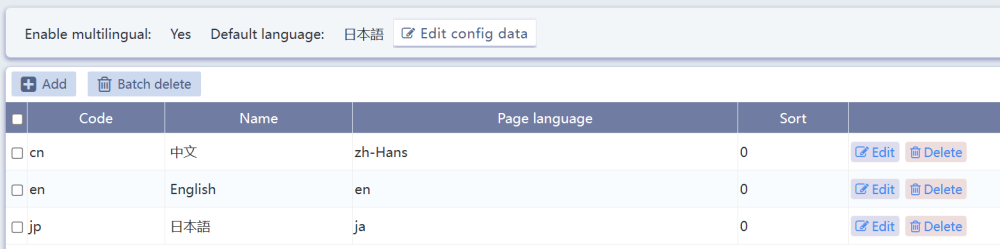
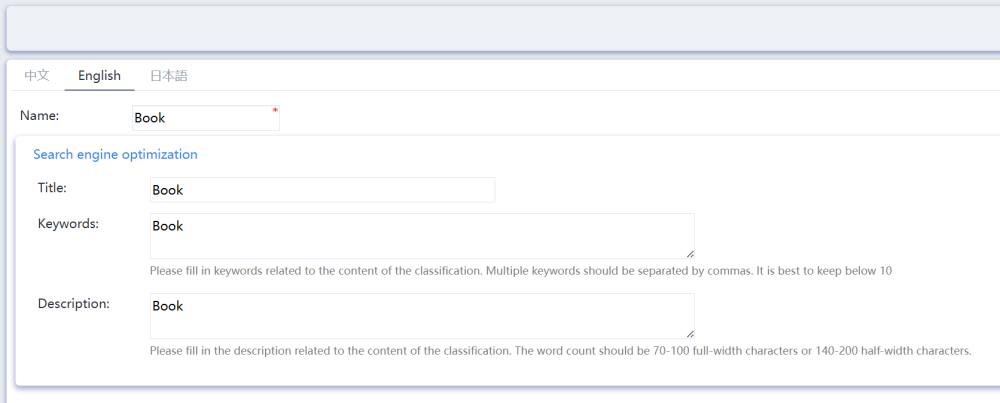
Then maintain different language versions of categories, content, page metadata, and page fragment recommendation data.
Add language tags to page elements.

Add language switch links in static page.

Or add language switch link parameters to any additional dynamic pages, this value will be recorded in cookies
<a href="?lang=jp">日本語</a> |


0条评论